Looking for a faster, buildable alternative to SketchUp? Try Mixloom.
Mixloom is a browser-based design tool for interiors and joinery. Draw the room, fill it with parametric cabinets, and export the cut lists and machine files your factory needs — in one place.
Draw in the floor plan and walk through the finished room in the same window. Two views of one model, always in agreement.
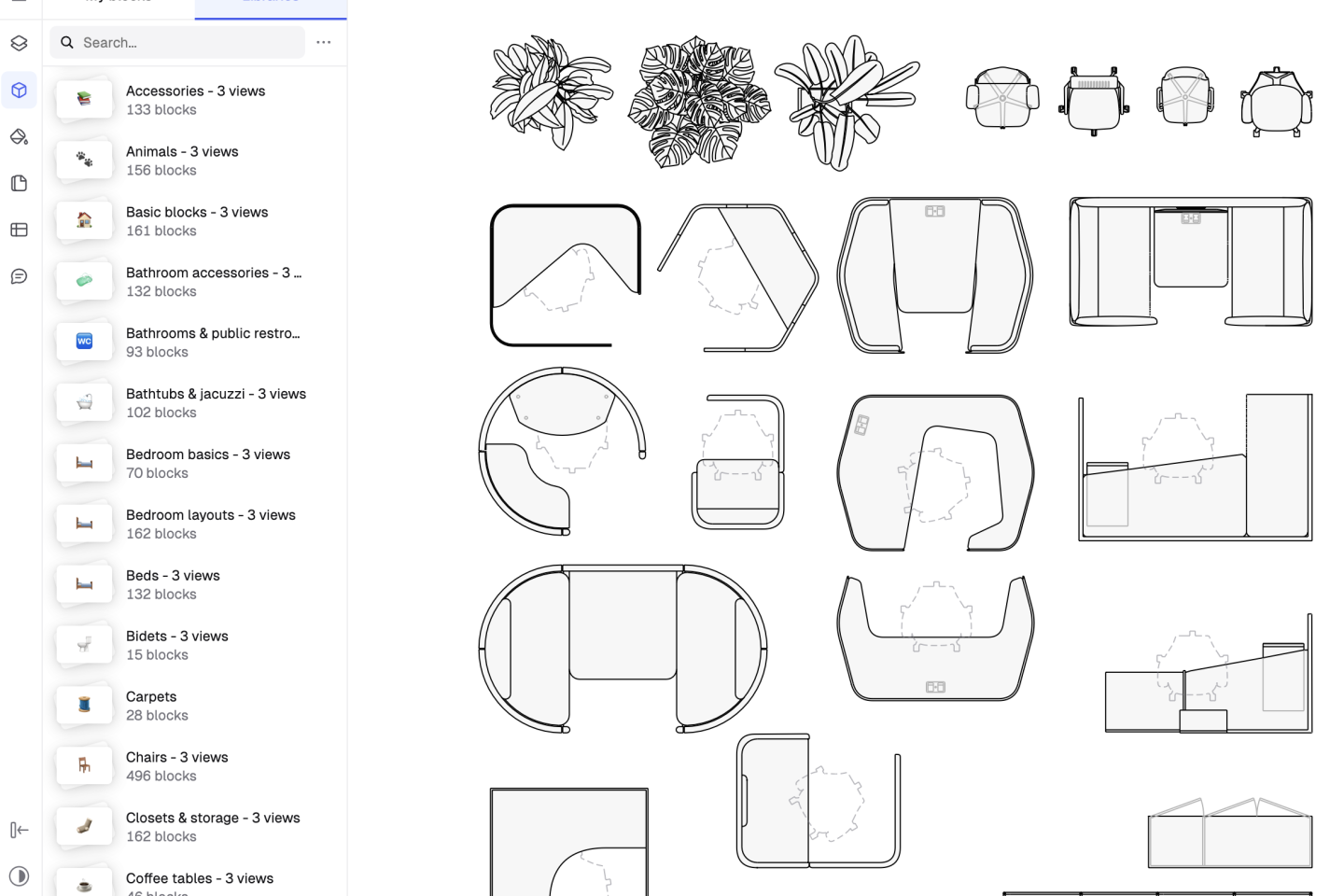
Drop a run against a wall and every carcass, door, drawer, and filler resizes to the opening — joinery and hardware follow.
Mixloom runs in the browser on any machine, with your projects and versions where you left them.
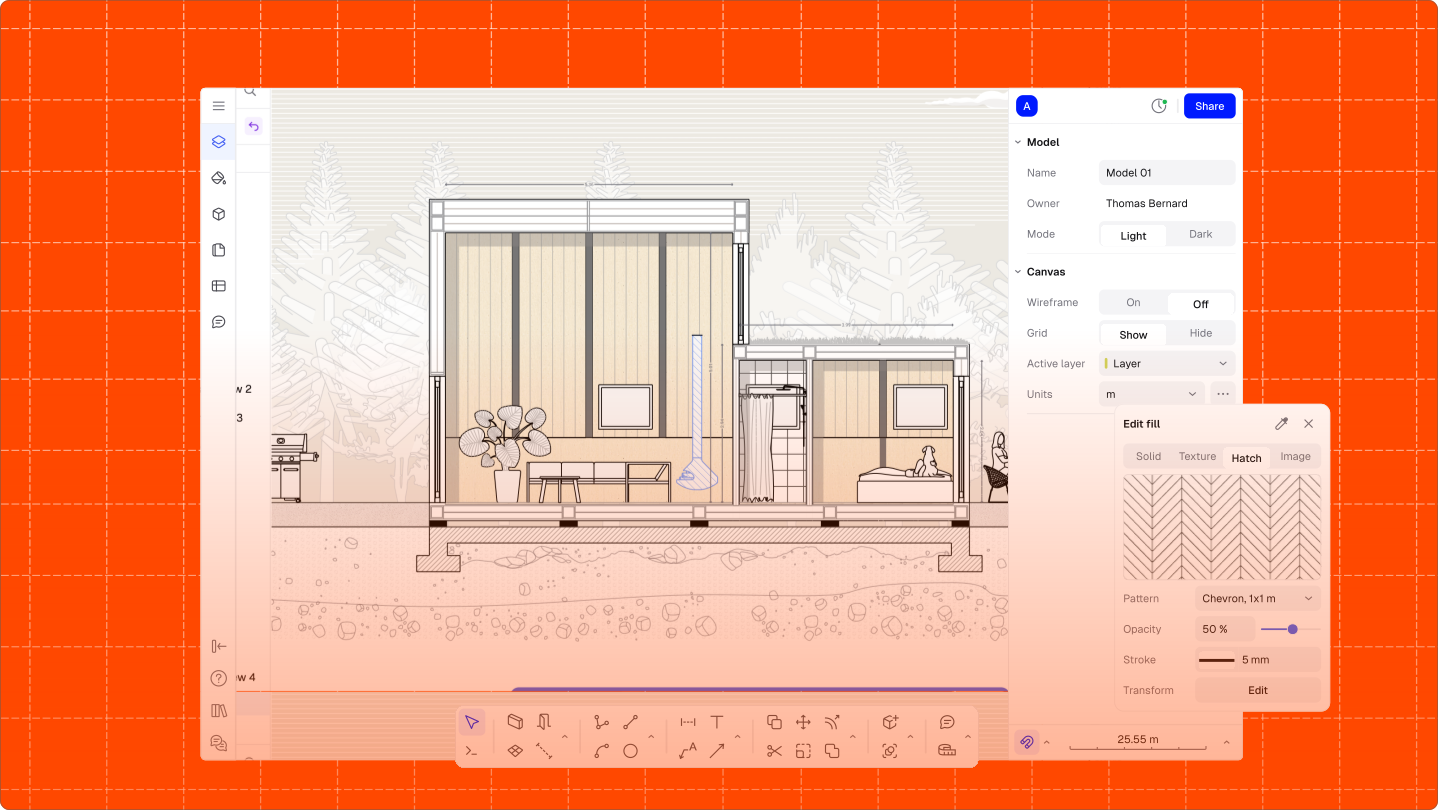
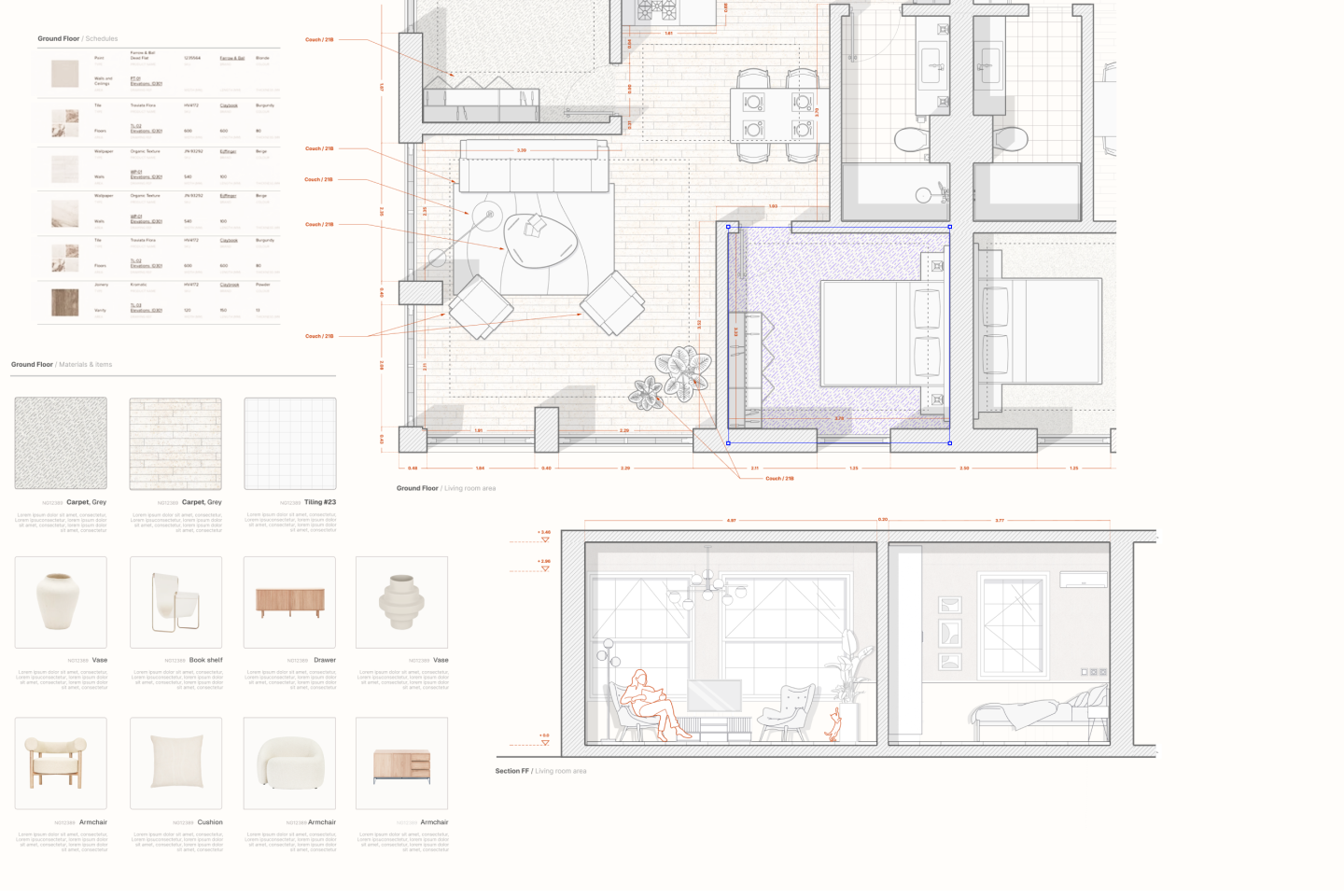
SketchUp is a general 3D modelling tool: it will draw any shape you like. Mixloom is narrower on purpose — it knows what a cabinet is. Instead of modelling boxes and adding plugins to get parts lists, you place parametric cabinets that already carry their construction, hardware, and panel sizes, and the production files fall out of the model.
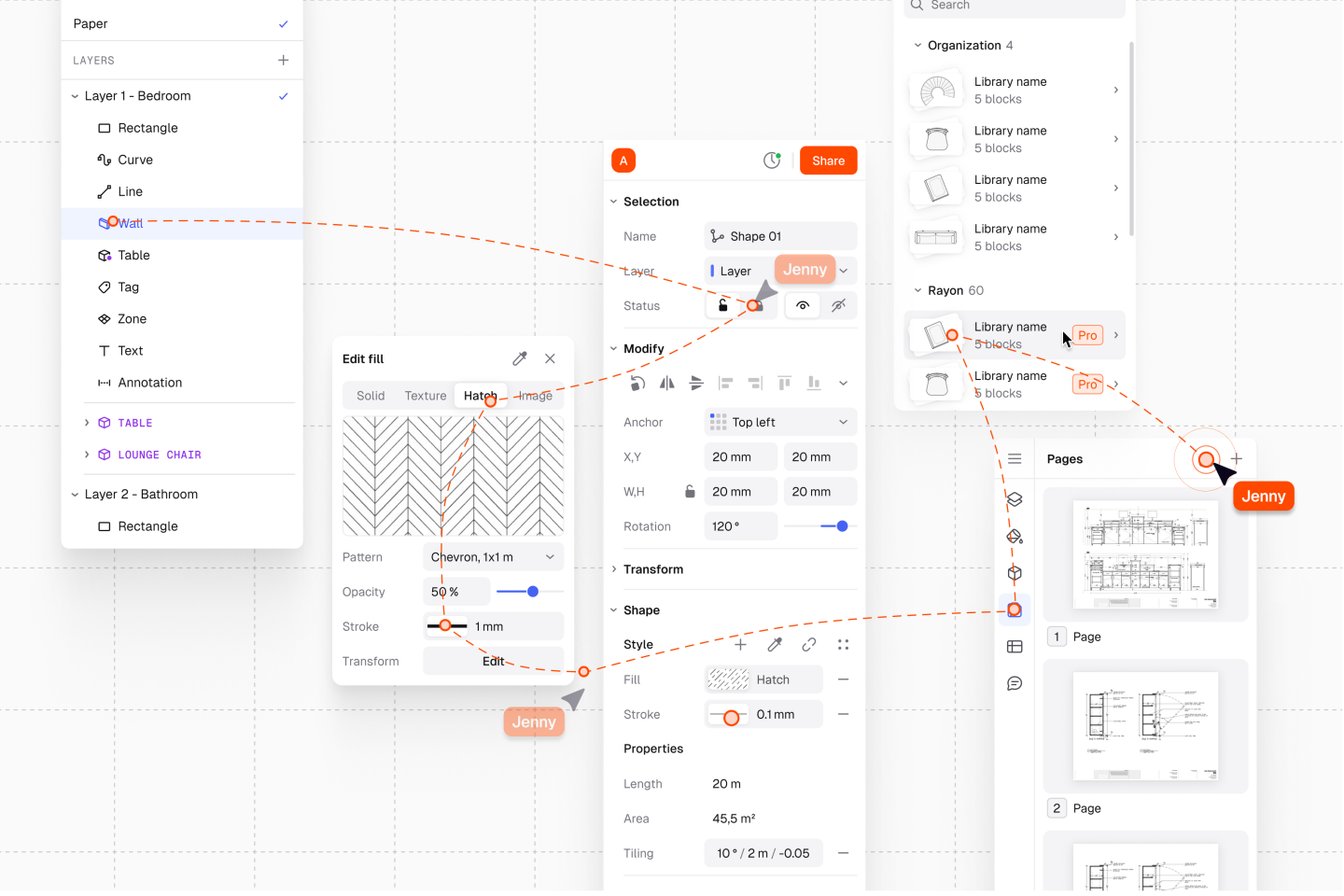
Every design is checked against real manufacturing rules — board sizes, hardware, edge banding, machine limits — and exports as cut lists, DXF, CNC programs, and a hardware list. The workshop builds what the client approved, without redrawing it first.
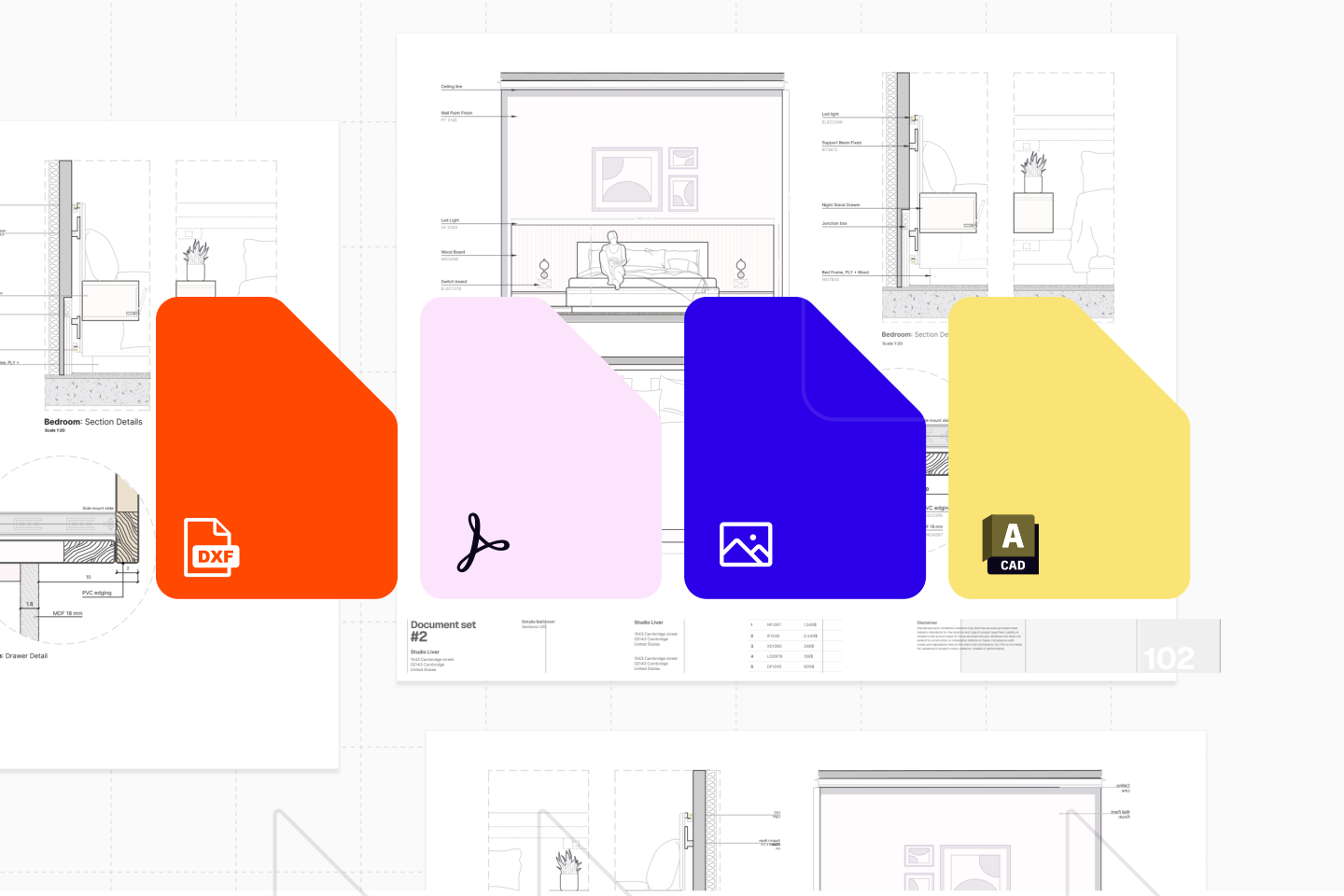
Bring in SKP, DWG, DXF, PDF, or images to design against, and export DWG, DXF, PDF, and glTF back out — so Mixloom fits alongside the work you already have.
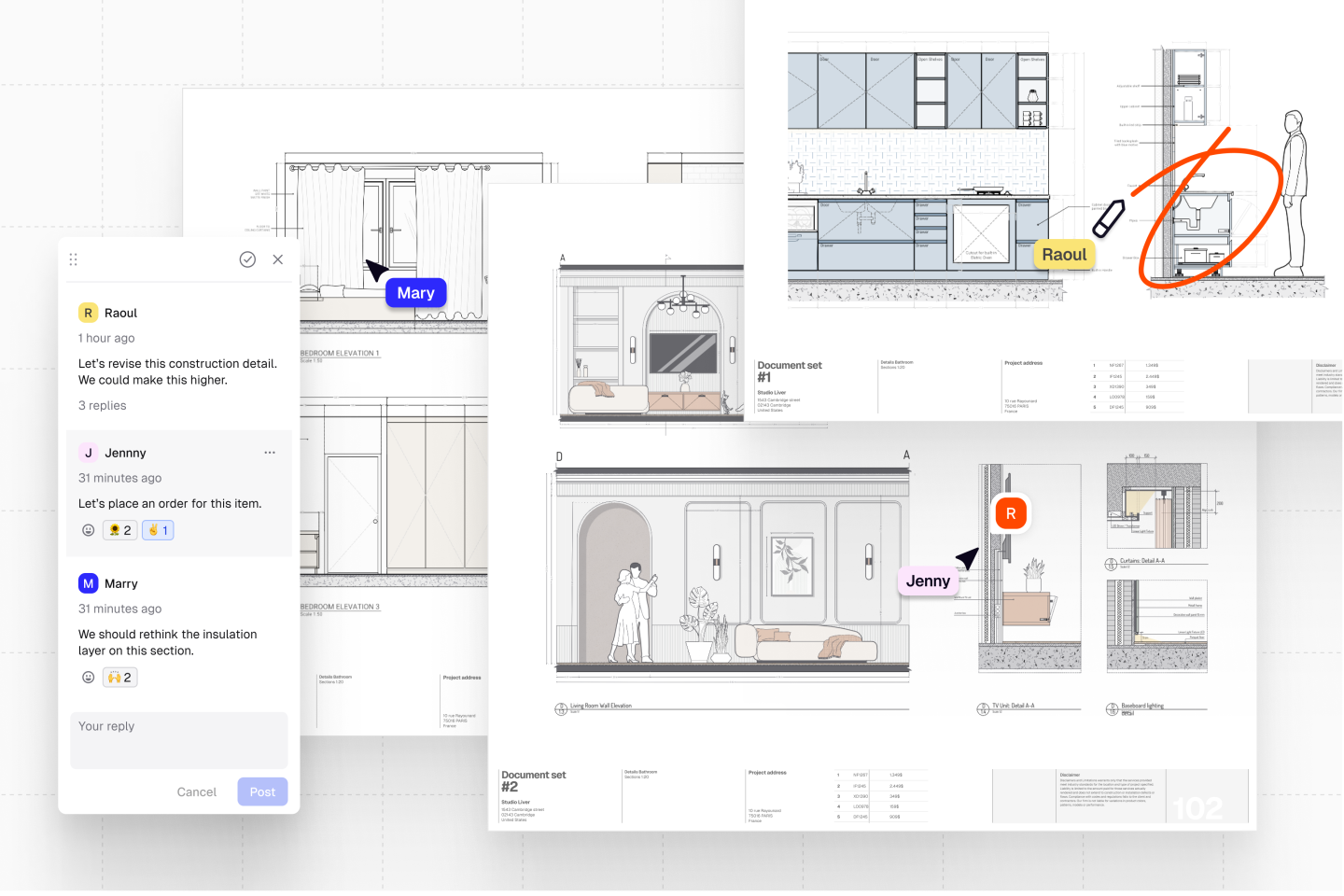
Designer, client, and workshop open the same file. Comment on the design where it is, follow someone through the model, and share a link that needs no software on the other end.
Because the model knows every panel, edge, and hinge, a quote comes from the real bill of materials instead of a rule of thumb — and updates the moment the layout changes.
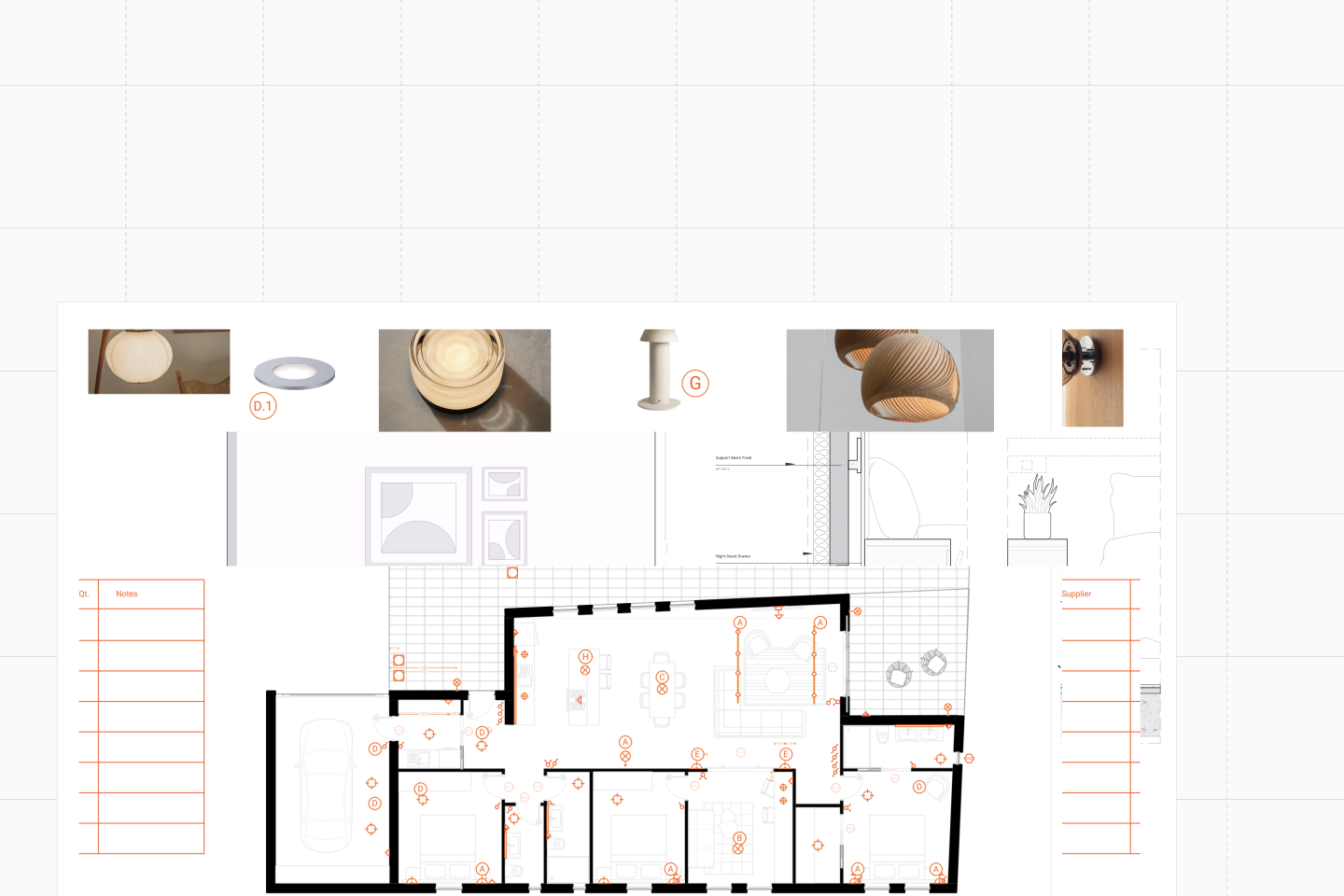
Renders, walkthroughs, drawing sets, and the quote come out of the same file, so a client sees the room and the number at the same time — and any change updates both.